7 Tips to Take Better Photos of Your Dog with Your Smartphone
PupGen Media
PupGen
7 Tips to Take Better Photos of Your Dog with Your Smartphone
No professional camera needed. With a few simple techniques, you can capture stunning, frame-worthy photos of your dog using just your smartphone.
Tip 1: Get Down to Their Level
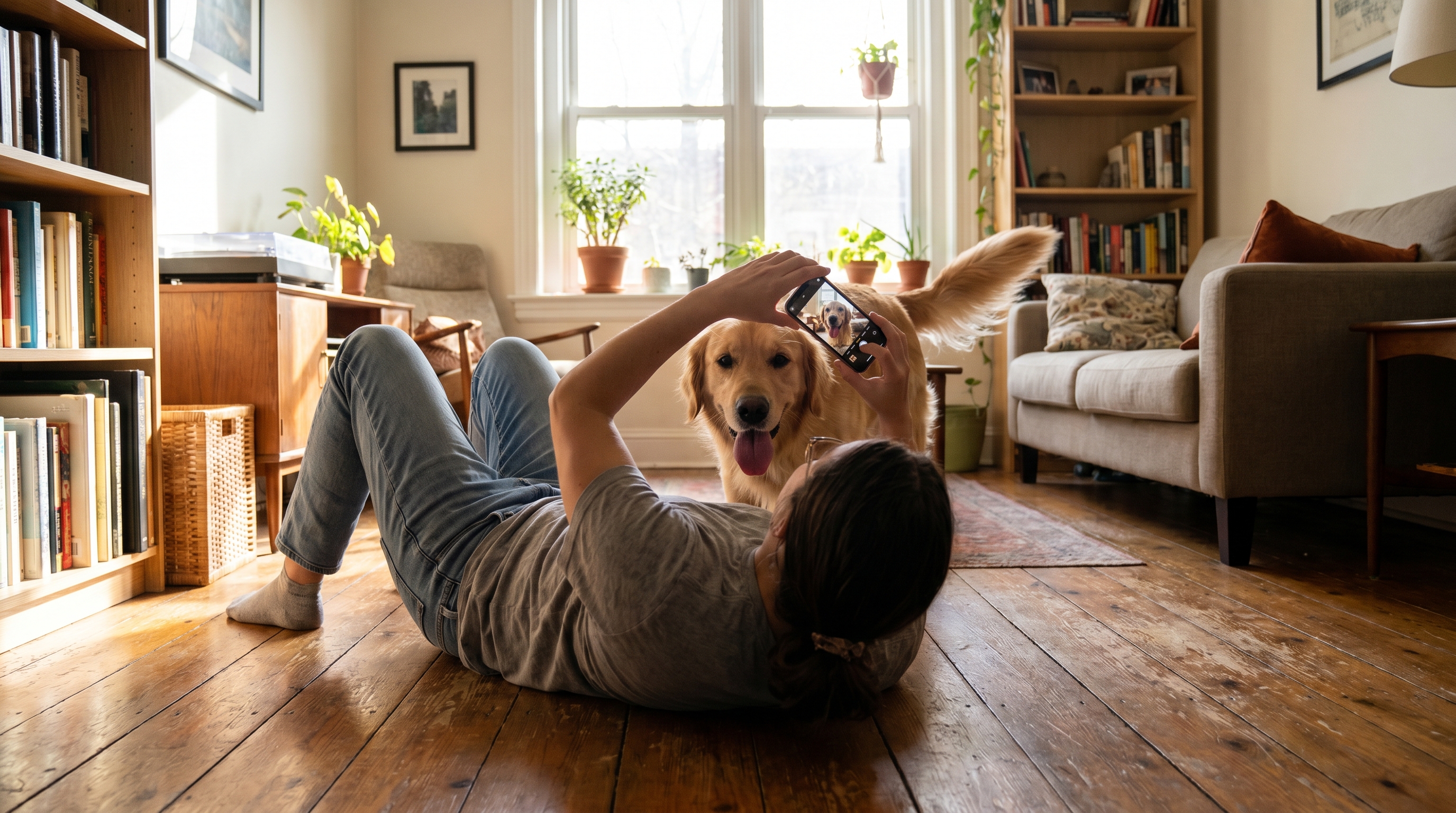
This single change makes the biggest difference. Instead of shooting from above, get down to your dog's eye level. Kneel, crouch, or even lie on the floor.
Photos taken at your dog's level feel intimate and show their personality far better than downward shots.
Tip 2: Use Natural Side Light
Lighting makes or breaks a photo.
- Best: Soft natural light from the side (place your dog near a window)
- Avoid: Shooting into a window (backlit, dark face), harsh midday sun
Overcast days outdoors are actually ideal — the clouds act as a giant softbox.
Tip 3: Use Burst Mode
Dogs move constantly. Burst mode (hold down the shutter button) fires off dozens of shots per second so you can choose the perfect frame: eyes open, ears perked, tongue in.
On iPhone, hold the volume button. On most Androids, long-press the shutter. Pick the best one after.
Tip 4: Apply the Rule of Thirds
Enable the grid in your camera settings. Place your dog's eyes on one of the upper intersection points — this creates a naturally balanced, professional-looking composition.
Tip 5: Use Portrait Mode
Modern smartphones have a Portrait mode that blurs the background and makes your dog the clear subject. The result looks like it was shot with a professional lens — because optically, it kind of is.
Tip 6: Use a Treat to Direct Their Gaze
Hold a treat just above the lens. Your dog will look directly into the camera, creating natural eye contact that makes photos feel alive.
If your dog knows "stay," use it to your advantage — patience in one spot gives you time to find the perfect angle.
Tip 7: Transform Your Best Shots with AI
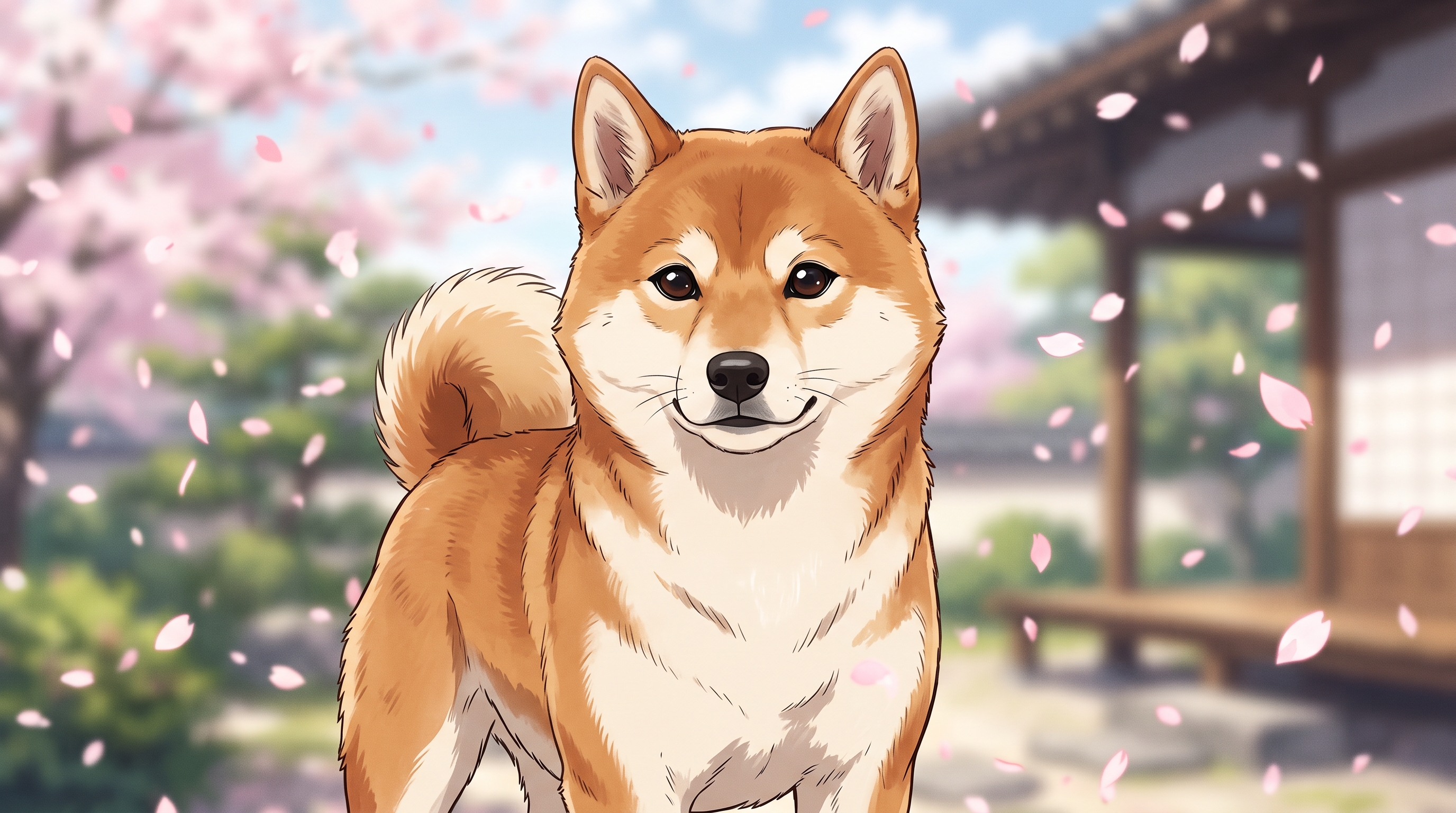
Great photo taken? Take it further with PupGen. Upload your dog's photo and transform it into a Studio Ghibli scene, a vintage portrait, a holiday card, or whatever you can imagine. It's the perfect finishing touch for your favorite shots.
Quick Reference
| Tip | Key Action |
|---|---|
| Eye level | Crouch down to their height |
| Lighting | Side natural light, avoid backlight |
| Burst mode | Hold shutter for rapid-fire shots |
| Rule of thirds | Eyes on upper grid intersection |
| Portrait mode | Blur background to isolate subject |
| Treat trick | Hold treat above lens for eye contact |
| AI transform | Use PupGen to create dream scenes |