Get That Perfect Photo with Your Dog, Again: An AI Guide to Owner-Dog Composite Photos
PupGen
PupGen
Get That Perfect Photo with Your Dog, Again: An AI Guide to Owner-Dog Composite Photos
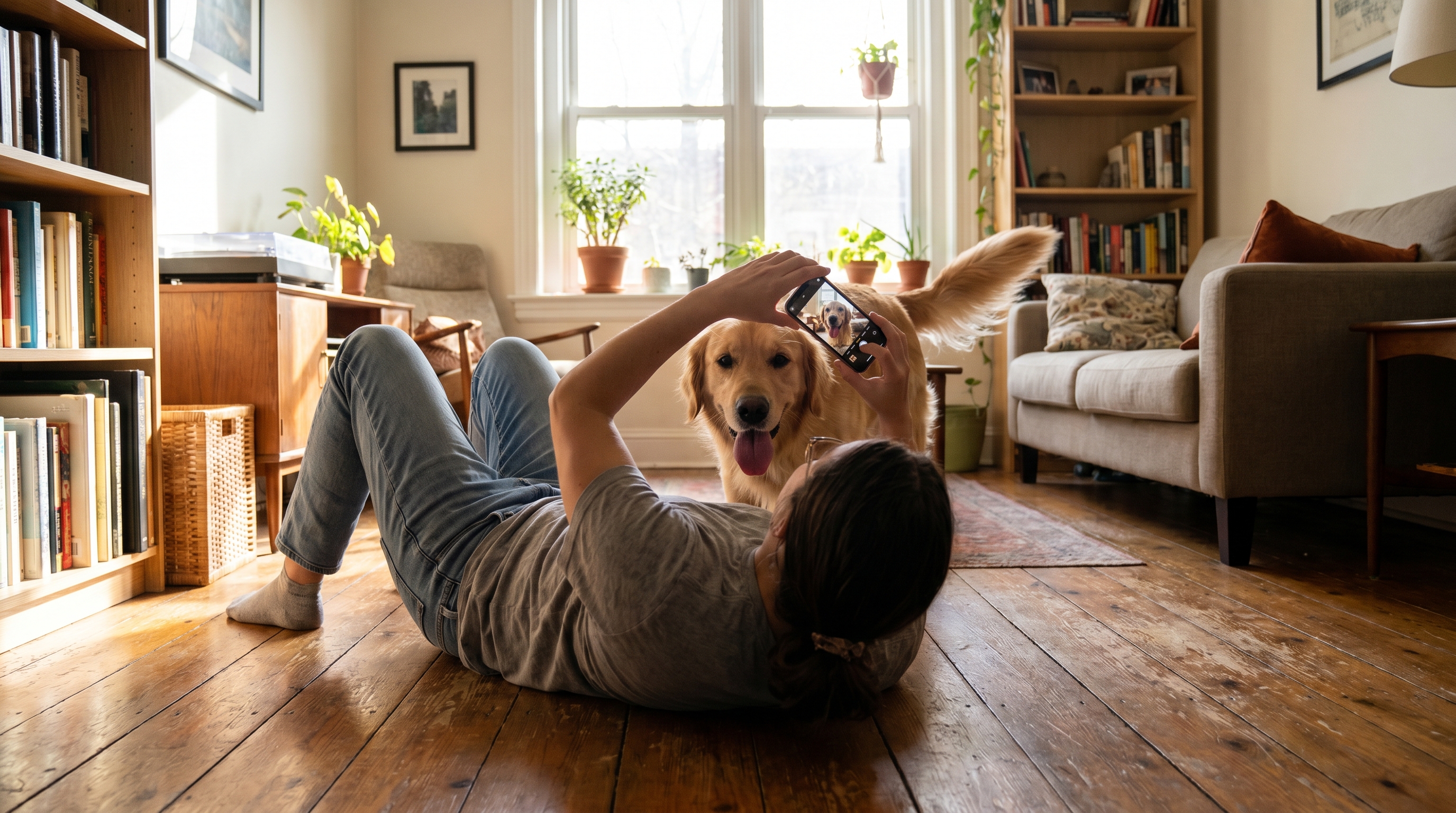
Your camera roll is overflowing with hundreds of photos of your beloved dog, yet you only have a handful of pictures where you're together—sound familiar?
It's always you behind the lens, which means you're always out of the frame. Before you know it, you have countless photos capturing your dog's best expressions, but hardly any of the two of you together. This is a common, slightly bittersweet reality for many dog owners.
This article will guide you through using AI to create natural-looking two-shot photos of you and your furry friend, including tips for choosing the best photos and step-by-step instructions.
Why Are "Together Photos" So Rare?
The reasons are simple:
- You're always the photographer: The person pressing the shutter can't be in the picture. Even in multi-person households, one person often becomes the designated dog photographer.
- Dogs don't stay still: By the time you set the self-timer, your dog has already wandered off.
- It's awkward to ask strangers: It can be tough to ask someone, "Could you take our picture?" while out on a walk.
As a result, you end up with an abundance of solo dog photos. You want to be in the picture with them, but the opportunity just doesn't arise. That's the reality.
The AI Option for Two-Shot Photos
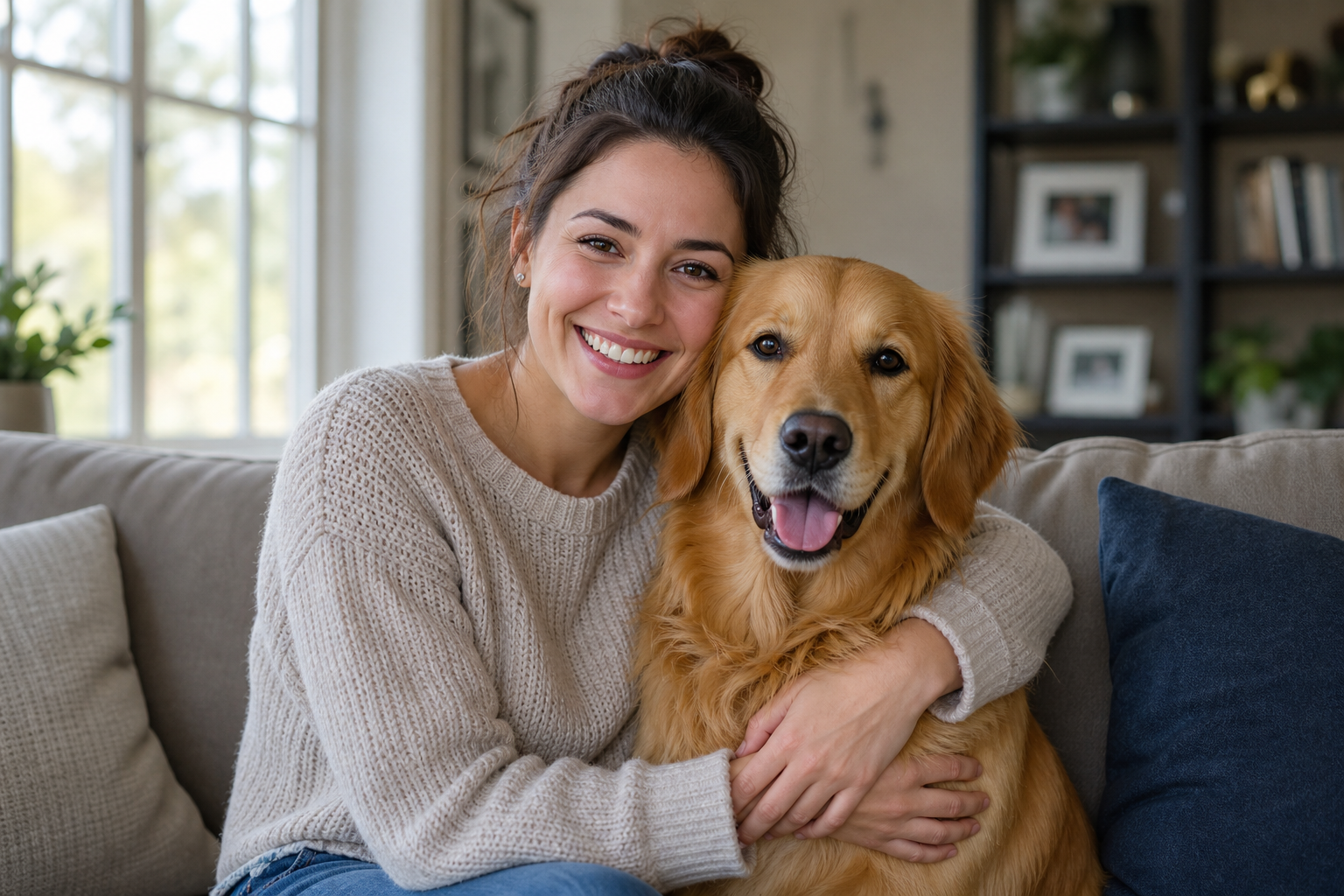
This is where AI-generated composite photos come in handy. With PupGen, you can create a photo that looks like you and your dog are together, simply by uploading separate photos of each of you.
Even if the photos were taken separately, AI will seamlessly blend them into a natural-looking two-shot. The beauty of it is being able to create those "we never got a picture together" memories, even after the fact.
This Is For You If...
- You're always the photographer and have very few photos of yourself.
- You're living apart from your dog due to relocation, moving for work, or going away to college.
- You're hospitalized or recuperating and haven't been able to meet your dog in person for a while.
- To be with a dog who has crossed the rainbow bridge, once more: For those who wish to preserve precious memories in a new form. This is just one option, and everyone processes grief at their own pace. There's no pressure to create one if you're not ready.
5 Tips for a Natural Finish
To make your composite photos look natural and not "obviously made," choosing the right source photos is crucial.
1. Match the lighting direction: Photos where the light hits both you and your dog from a similar direction (e.g., from the left, from the right) will look more natural.
2. Match quality and brightness: Avoid photos where one is extremely dark or blurry compared to the other. Similar brightness helps them blend well.
3. Match the angle: If both photos are head-on, or both are slightly looking up, matching the perspective will reduce awkwardness.
4. Compare and choose: Look at several photos with different expressions and angles, and select the one that best captures your dog's unique character. Depending on your plan, you may be able to upload multiple photos of your dog.
5. Choose photos where faces are clear: Opt for photos where expressions are crisp and clear, rather than blurry or dark due to backlighting.
| Tip | Key Point |
|---|---|
| Lighting | Match the direction of light on owner and dog |
| Quality/Brightness | Avoid extreme differences |
| Angle | Match eye-level and perspective |
| Photo Selection | Compare options to capture character |
| Face Clarity | Choose photos with clear expressions |
How to Create Your Photo
Here's the basic flow for using PupGen:
1. Upload your dog's photo: Choose your favorite expression and upload it.
2. Upload your photo: Upload a photo of yourself or your family member.
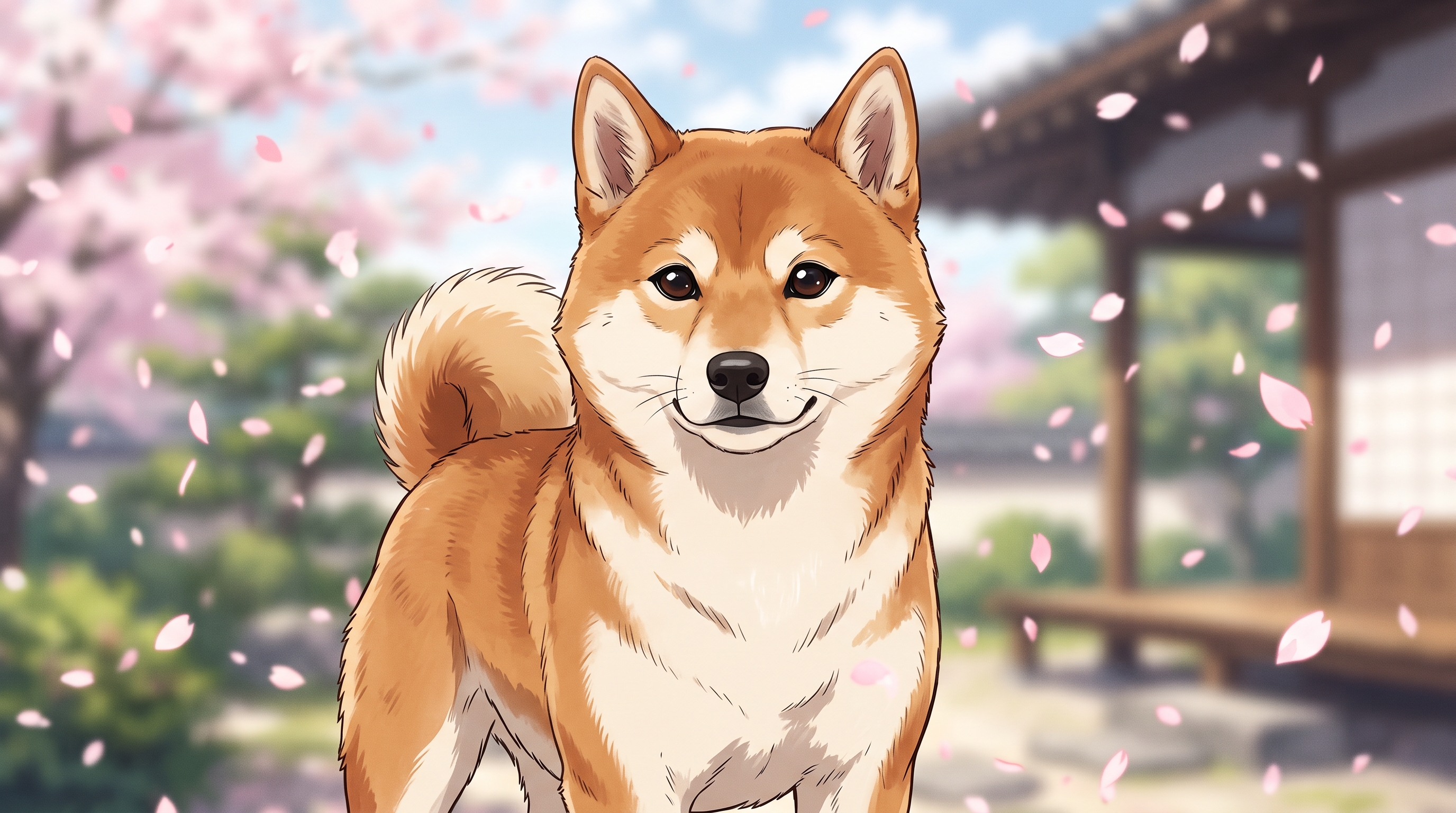
3. Select a scene: You can choose from presets like "Lounging on the Sofa," "Beach Day," or "Cherry Blossoms / Seasonal Scenery," or enter a custom scene description.
4. Generate: Let the AI do its magic. If you're not happy, you can change the scene and regenerate (each generation uses one credit).
New registrations come with free credits, so why not start by uploading one photo of your dog on the creation page?
Scene Examples
If you're unsure where to picture yourselves together, choosing from classic scenes is a great start.
| Scene | Vibe |
|---|---|
| At home on the sofa | Everyday happiness, simple moments |
| Park / Dog Park | Free and easy amidst nature |
| Cherry Blossoms / Seasonal Scenery | As a seasonal memory |
| Beach | A special, vacation-like feeling |
| Anniversary | To celebrate a birthday or adoption day |
Frequently Asked Questions
Q. How many photos of the owner do I need? A. You only need one. Choosing a clear, front-facing photo of your face tends to yield more natural results.
Q. Can I create a photo if I only have one picture of each? A. Yes, you can. You can generate a photo with just one picture of your dog and one picture of yourself.
Q. Will the composite look unnatural? A. As per the "5 Tips for a Natural Finish," choosing photos with matching lighting, quality, and angles will help them blend seamlessly. If you're not satisfied, you can change the scene and regenerate.
Q. Can I use photos of a dog who has crossed the rainbow bridge? A. Yes, you can. This is one option to preserve cherished memories in a new form. You can choose to create one whenever you feel emotionally ready.
Summary
| Point | Details |
|---|---|
| Problem | Always the photographer; few photos together |
| Solution | AI can create owner-dog two-shots later |
| Tips | Match light, quality, angle; clear faces |
| Process | Dog photo → Owner photo → Scene → Generate |
"Not having a photo together" doesn't have to be a permanent problem anymore. Why not create a beautiful memory of the two of you from your existing pictures?